
|
Facilities > Electronic Classroom Tutorials Touch Panel Tutorial The first step in using the projector will be to power it on. Press the "Projector On" button. If you will not be using the projector, chances are you will simply be using the speech option. Press the "Speech" button to view the speech setting. Please note: selecting any other source button other than "Speech" will power the projector on. 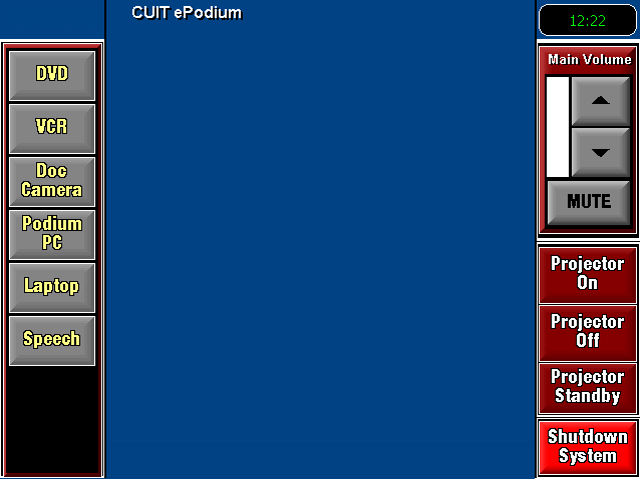 |
 |
|
|
CU Home | |
A-Z Index | Help | |
|
|
 |
|
|
|
|
|
|
||||||
|
|
|
|||
|
|||||
|
|
 |
|||
|
|
|
|||
|
|
|
|||